
External Listing
Show a list of active entries that interact with the map
File formats: SVG



Integrate Label Markers into your Sweden map on your website with GEO Map Hub. Customize, visualize, and enhance interactive maps for a seamless experience.
While you can manually add a label wherever you prefer, you can also have it automatically displayed below a marker. The label will take the title of the marker and appear underneath it.
This feature will save you time and improve the map by providing users with clearer information about what each marker represents. It works with both round markers and vector icon markers, and you'll have the option to choose the size and color of the labels.
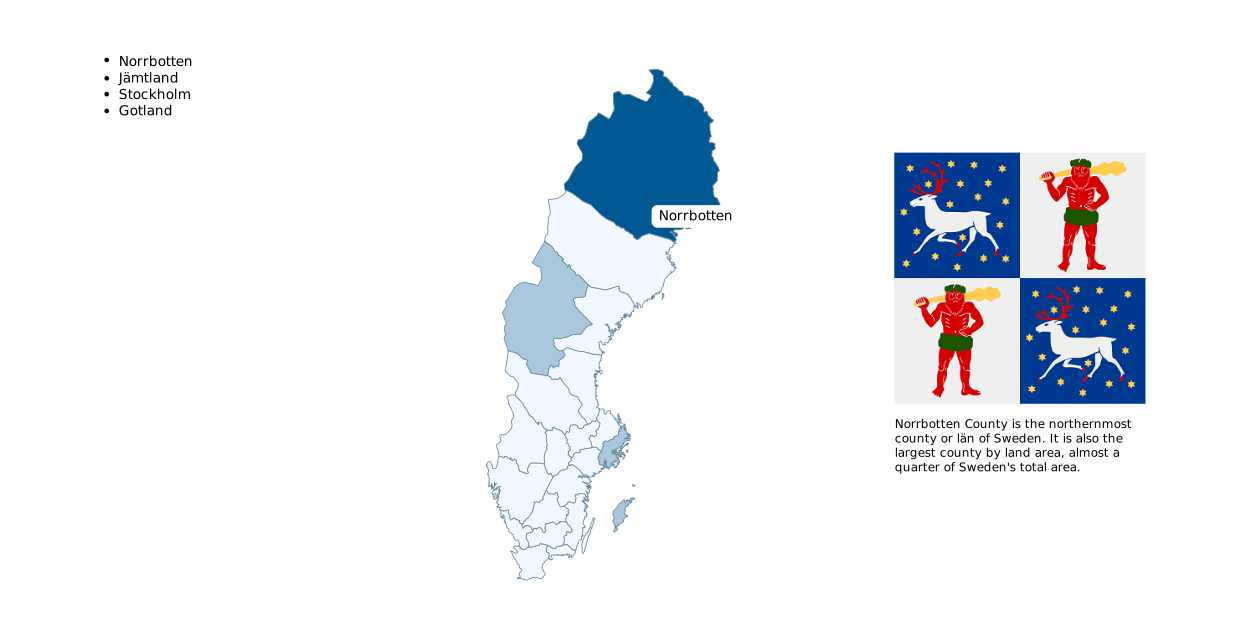
Show a list of active entries that interact with the map
File formats: SVG
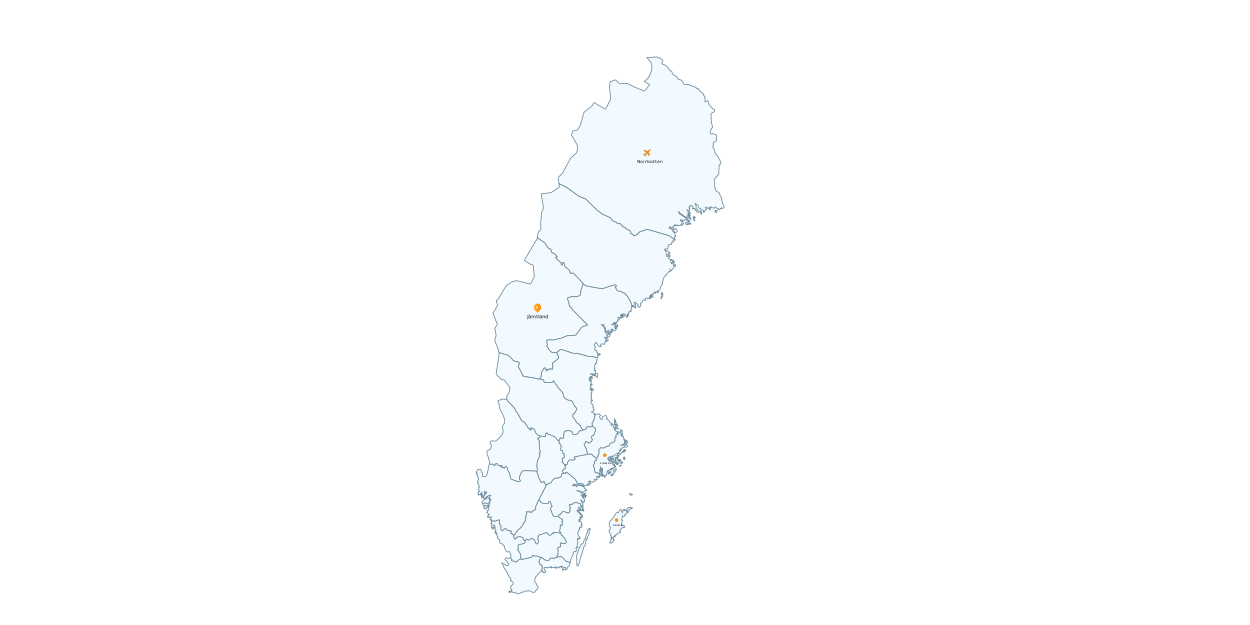
Automatically display labels below markers
File formats: SVG
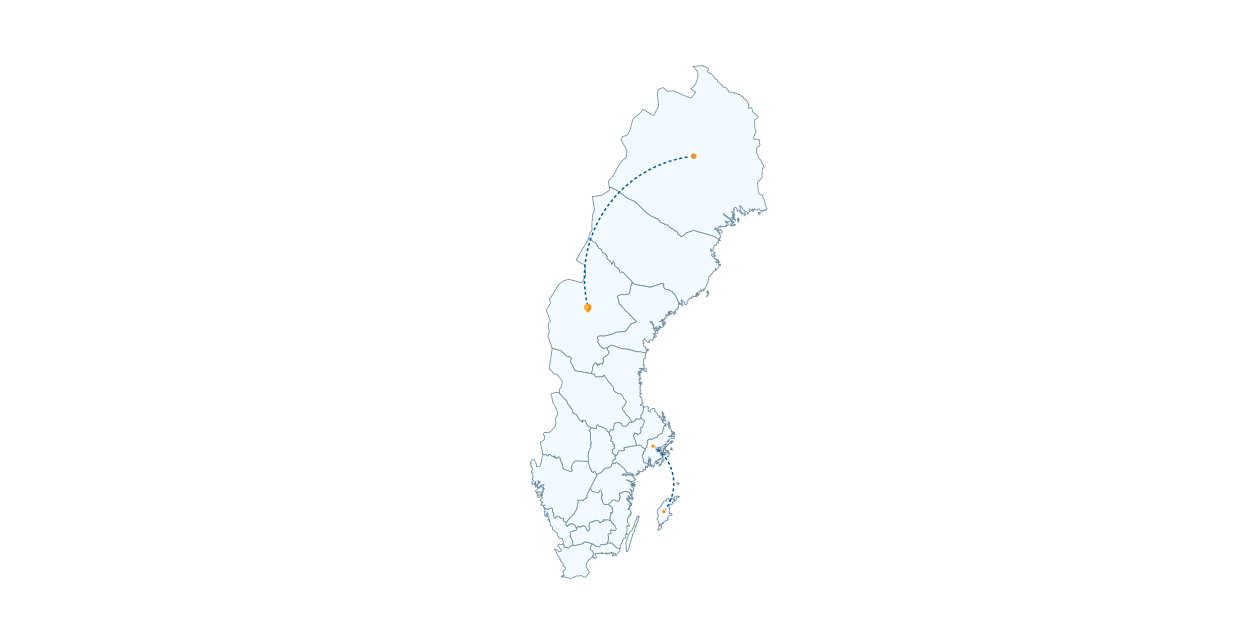
Incorporate lines with various colors and curvatures on the map
File formats: SVG

Note
Login credentials will be sent to your email after you subscribe to any of the packages from our pricing plan.
Some features may not work in the preview.
Click here to explore the complete website.
Note: Login credentials will be sent to your email after you subscribe to any of the packages from our pricing plan.
GEO Map Hub uses cookies to ensure proper functionality and provide an enhanced user experience. By continuing, you consent to the use of all cookies. To learn more, read our Cookie Statement.