Display Content Outside The Map
Show content below or beside the map
File formats: SVG


Integrate Display Content Outside The Map into your Norway map on your website with GEO Map Hub. Customize, visualize, and enhance interactive maps for a seamless experience.
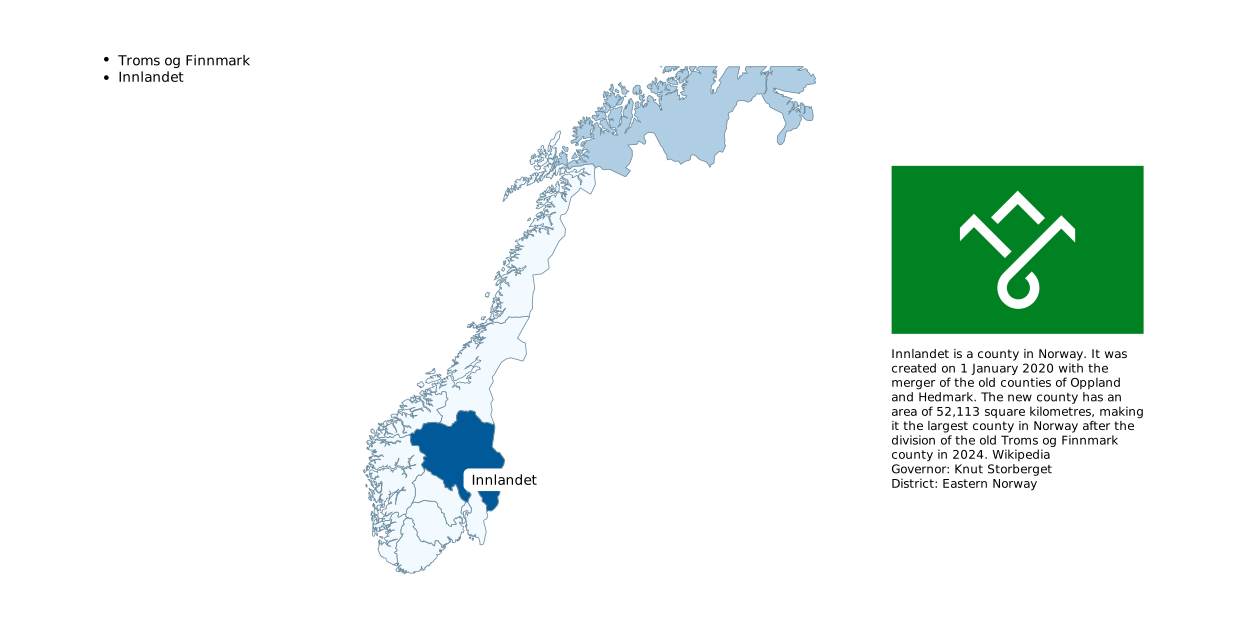
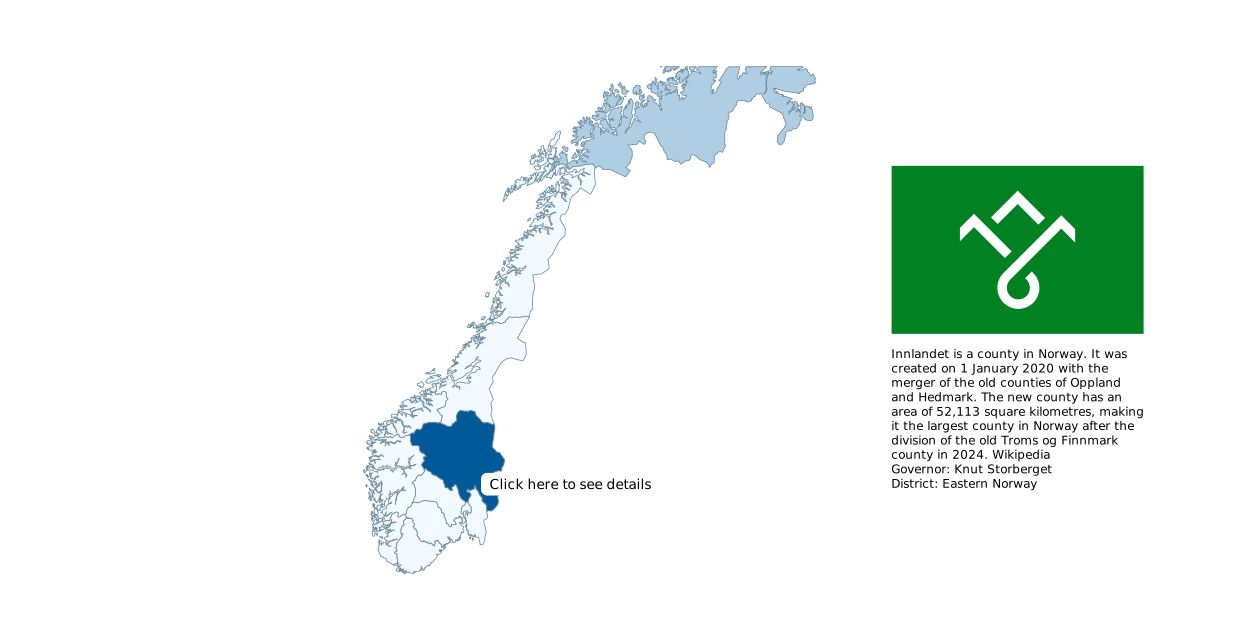
You can add content that appears below or beside the map when a region is clicked or hovered over.
Try clicking the highlighted states below to see the information displayed on the right.
The information can be displayed above, to the right, or below the map, and it can include HTML content.
The same map as above, but with content displayed when you hover over a state.

Note
Login credentials will be sent to your email after you subscribe to any of the packages from our pricing plan.
Some features may not work in the preview.
Click here to explore the complete website.
Note: Login credentials will be sent to your email after you subscribe to any of the packages from our pricing plan.
GEO Map Hub uses cookies to ensure proper functionality and provide an enhanced user experience. By continuing, you consent to the use of all cookies. To learn more, read our Cookie Statement.